
Vouchers in Wallet: Ogloba Brings Them to Colombia First.
Translated from the original Spanish article.
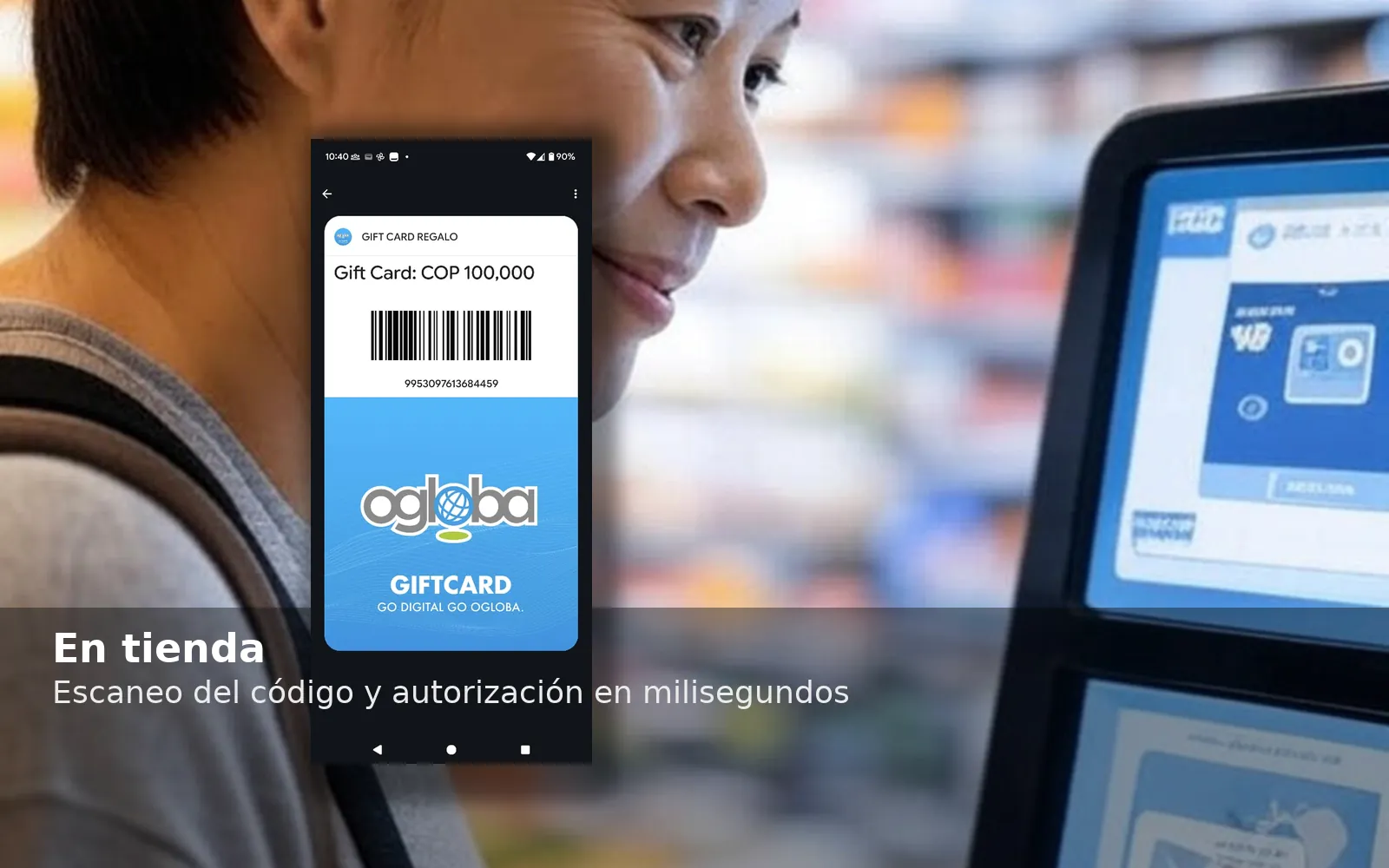
Quick summary: Your vouchers can now live in Apple Wallet and Google Wallet. With one tap, your customers save them to their phone, see an up-to-date balance and use them at checkout with no friction. Ogloba brings this mobile experience to Latin America with technology proven at scale.
Why Move Your Vouchers to Wallet?
- Always at hand. They don't get lost or buried in email.
- Less friction, more use. Customers show a barcode/QR code at checkout and that's it.
- Real-time balance. The pass updates automatically after every use.
- Contextual reminders. Wallet can suggest the voucher based on location or date.
- Modern experience. “Add to Wallet” is already a habit for mobile consumers.
What Ogloba Enables
- “Add to Wallet” for closed-loop vouchers (retail, restaurants, fashion, etc.).
- Automatic updates to the balance, messages and pass design.
- True omnichannel: e-commerce and physical stores. At the POS, the cashier scans the code from the phone (compatible with smart payment terminals, e.g., like those from Credibanco in Colombia).
- B2B scalability: bulk on-demand issuance for campaigns, incentives and corporate programs.
- Secure APIs and stable performance to operate at high volumes.
Quick Benefits
For retailers and brands
- More redemption, less breakage.
- More foot traffic to stores (lock screen suggestions near your store).
- Lower costs: no plastic or logistics.
For businesses (B2B)
- Immediate delivery in batches or on demand.
- Centralized control and traceability.
- Consistent branding on the pass.
For consumers
- Everything in one place (Apple/Google Wallet).
- Lightning-fast use: show, scan and done.
- Transparency: balance always visible.
How It Works (in 5 Steps)
- You issue the voucher in Ogloba (or via API).
- You send it by email/SMS/app/web.
- The customer adds it to Wallet with one tap.
- The customer uses it at checkout by showing the code, or contactless at payment terminals. (In testing with Credibanco)
- The balance updates automatically.
Ideas to Activate It
- Peak season: “Add to Wallet” button at checkout and in emails.
- Loyalty: vouchers for milestones (birthdays, tiers, referrals).
- B2B: incentives for employees/partners, ready for Wallet.
- In store: QR codes to add to Wallet at the counter.
- Remarketing: nudges if the voucher hasn't been added or is about to expire.
Ready to Get Started!
Want to implement “Add to Wallet” for your vouchers?
Write directly to your Ogloba LATAM Help Desk or to maa@ogloba.com
We support you end-to-end: pass design, integration, testing and launch.
Read more about the digital evolution of payments in Latin America, here.